
Before you start
Choose a compatible plugin, make one controlled installation, and keep a way back to the last working server.
- A Paper test server with a successful local join and a checked backup.
- The exact Paper build, Java version and a maintainer-supported plugin release.
- Permission to run third-party code on the test machine. Keep personal and live server files outside the test folder.
Introduction
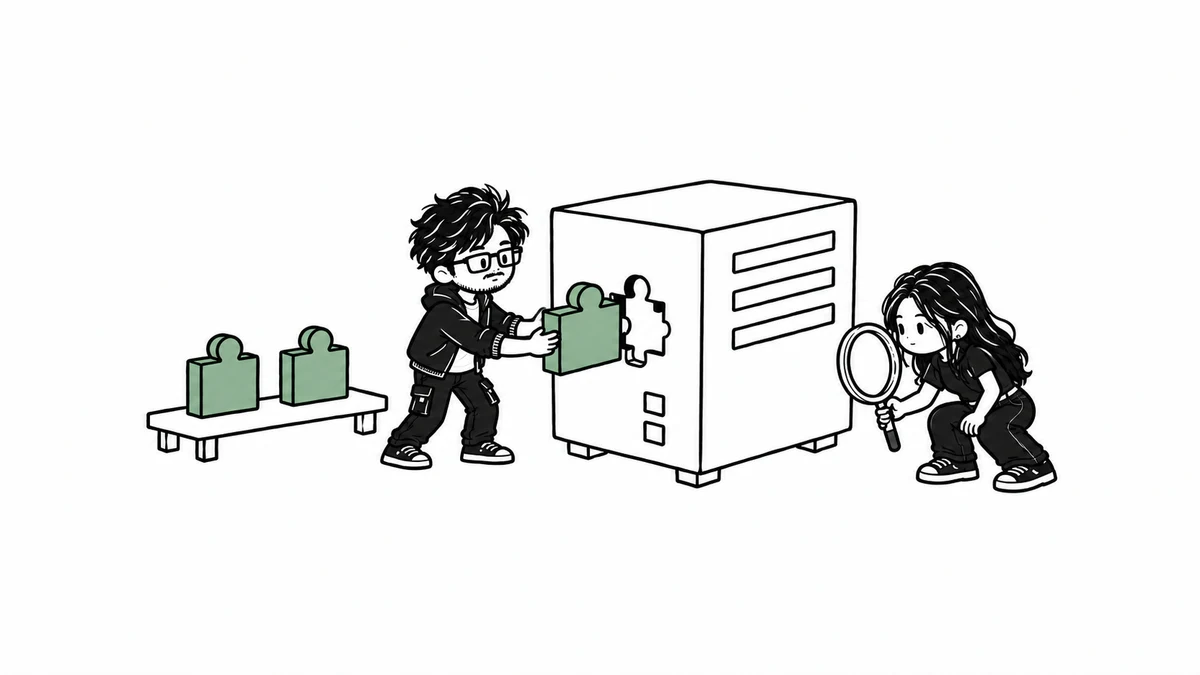
A plugin changes what a Paper server can do. A Fabric or Forge mod is a different kind of download and will not become a Paper plugin when placed in the plugins folder. Decide the one feature you need before collecting JAR files. Each extra plugin adds another component to maintain.
1. Check the maintainer and release
Use the maintainer's own project links and read the release's supported platform, Minecraft versions, Java requirements and dependencies. Paper warns that plugins can access the host machine. A familiar download directory cannot guarantee safety. Keep the release URL and filename with your notes; avoid reuploads and cracked paid plugins.
LuckPerms is the documentation example here because its maintainer publishes installation instructions.2 It manages permissions; it is not a prerequisite for every SMP. Select the Bukkit/Paper build for Paper, not a proxy or mod-loader build. The exact compatible release during preparation remains pending. Do not interpret the example as a tested compatibility recommendation.
2. Preserve the working baseline
Record a clean startup and the local player action you can already perform. Stop the server and wait for exit. Copy the whole folder into a separate backup before adding anything. Label the backup with server and plugin versions. Use another test directory for the changed copy so rollback does not depend on remembering individual settings.
3. Install one plugin and restart
With the test server stopped, put the intended plugin JAR directly inside its plugins folder. Extract a distribution archive only as the maintainer instructs. Keep a single version of that plugin. Restart and watch the initial loading messages. In the console, enter plugins and check whether the plugin is enabled. Do not use a hot reload as a substitute for this restart.
plugins
stop
4. Verify the feature with an ordinary player
A load message is only the first check. Pick one action from the installed release's usage documentation and test the expected allowed and denied behavior with a non-operator account. For a permissions plugin, write down the exact permission node and intended group before editing anything. An operator account may hide permission mistakes. No player-action result is available during preparation.
LuckPerms's installation page says initial startup needs internet access for libraries.2 If a restricted test machine cannot download them, retain the error and consult the maintainer's connection guidance. Do not solve this by adding an unrelated remote database or changing machine security controls.
5. Read the first relevant error
Open logs/latest.log and find the plugin's startup section. Paper documents missing dependencies, invalid plugin descriptions and duplicate plugin names as distinct failures. A missing dependency needs the maintainer's documented dependency, not another random JAR. An invalid description may indicate the wrong platform or an incomplete download. A duplicate-name error means two competing versions need to be reduced to the intended one while stopped.
- Plugin absent from the list: check the exact plugins directory and
.jarextension. - Plugin disabled: read its startup error before editing configuration.
- Configuration rejected: compare the named field with the same release's documentation and preserve the failing file for diagnosis.
- Feature behaves differently for players: check documented permissions with a non-operator account.
6. Isolate a failure on the test copy
Stop the server, move the newly added JAR outside plugins and restart the disposable copy. If the baseline returns, retain both logs and compare the changed files. If worlds or persistent plugin data changed, restore the complete stopped backup into a fresh directory. Removing a JAR does not necessarily undo its world or data changes. Keep both copies until the restored server has been joined and checked.
7. Share a small reproducible report
Include server, Java and plugin versions, the source release link, the action that failed, and the first relevant error. Redact addresses, tokens and player details from logs. State which behavior you actually observed. When another plugin is involved, reproduce with the smallest necessary set on a disposable server before asking its maintainer.
Return to the Java SMP setup guide if the server itself cannot start or accept a local join. This draft has no installed plugin, reproduced failure or rollback result; those checks remain separate evidence tasks.
Troubleshooting
Use the symptom checks above. Record the exact version and first relevant error before changing another setting.
Sources & evidence
AI-assisted guide prepared for INFIRALS. Documentation-based guide. LuckPerms is a proposed example, with exact release selection pending. No plugin installation, ordinary-player permission check, deliberate failure or server rollback was performed.
- Adding plugins (PaperMC)
- Installation (maintainer wiki source) (LuckPerms maintainers)
- Updating (PaperMC)